
Kansas KDOC Search Scope
The Kansas Department of Corrections runs KASPER. It is a corrections and supervision database, not a county jail roster. Its reach is specific. KDOC says it covers people sentenced to the Secretary of Corrections since 1980. A search can return three groups. People incarcerated form one group. Others are on post-incarceration supervision, and a final group has been discharged from a sentence. Anyone held under interstate compact is left out. A person sitting in a county jail without a KDOC sentence may be absent. The Kansas arrest could have been public news.
That gap explains why a booking record and a corrections profile can disagree. A county booking documents an intake at a local jail. A KASPER profile tracks a state sentence or supervision. Its photo is an identification image used by corrections. It may come from a different moment than the county booking shot. The two answer different questions. They are not copies of one event.
The official KASPER entry point puts a disclaimer in front of the search screen. Read that first. KDOC calls the database public information but not a complete criminal history. Criminal-history requests belong to the Kansas Bureau of Investigation (KBI). A blank KASPER result does not rule out an arrest or court record. Profiles change too. Weigh the status and update details KASPER shows against the date you accessed them.
Search KDOC Mugshots Safely
The first screen is not a search result. It is a disclaimer gate. KASPER is not a complete criminal history, the warning says, and nobody should be arrested solely because of what the screen displays. The same page offers the offender-search route. Use only enough identifying detail to separate records. Then read the status and date next to the photo. The official KASPER screen shows the disclaimer gate before the offender search, so read the warning before touching the fields under it. After the search opens, follow this path:
- Read and accept the disclaimer only after noting that a website result alone is not authority to arrest anyone.
- Choose offender search and enter a last name, first name, middle name, or KDOC number. Use aliases or optional demographic and county filters only to sort out similar names.
- Select Show Photos or the thumbnail option if a photo view helps identify the right profile. A result without an image does not prove that no image exists in the agency record.
- Open a result and note the KDOC number, custody or supervision status, source date, and any photo or database date shown.
- Return to the official record before relying on the status. KDOC updates KASPER on working days, and a person’s status can change after an update.
A name match alone proves little. Compare the KDOC number and the other profile fields before trusting a hit. Note the source and your access date. Skip copying personal details you do not need.
Optional filters help sort people with similar names, but they only arrange what KASPER already holds. A county filter does not show where an arrest happened. A photo setting does not promise an image. If a result looks thin, run the name with no filters and compare the KDOC number and status that come back. When no profile appears, ask the agency that holds the record. Do not assume the person has no Kansas history.
Fields in a KDOC Profile
A KASPER profile can mix identity, sentence, custody, and supervision details in one place. The exact fields depend on the person's record. The system decides what to display. The photo is just one field, not a full account of the case. Read its label and date beside the status. Don't treat it as a fresh booking photo.
| Profile field | What it can show |
|---|---|
| Name and KDOC number | The person’s name and state corrections identifier. |
| Photo and physical description | An identification image and description; the image date may not be the capture date. |
| Conviction information | Conviction offense, county, and case number where available. |
| Custody or supervision | Status, housing location, facility movements, or parole-office information as shown. |
| Anticipated release | A projected date when one is listed; it is not a guarantee of release on that date. |
| Institutional discipline | Disciplinary information when the profile makes it available. |
Some fields describe a single moment in time. Housing and facility movements shift as custody changes. A projected release date stays an estimate the system displays. A conviction entry may name the county and case. Yet it is not a full docket. Keep records tied to the right profile with the KDOC number. Then check the court source for case events. KDOC's resident-location FAQ describes the coverage and profile fields available through KASPER.
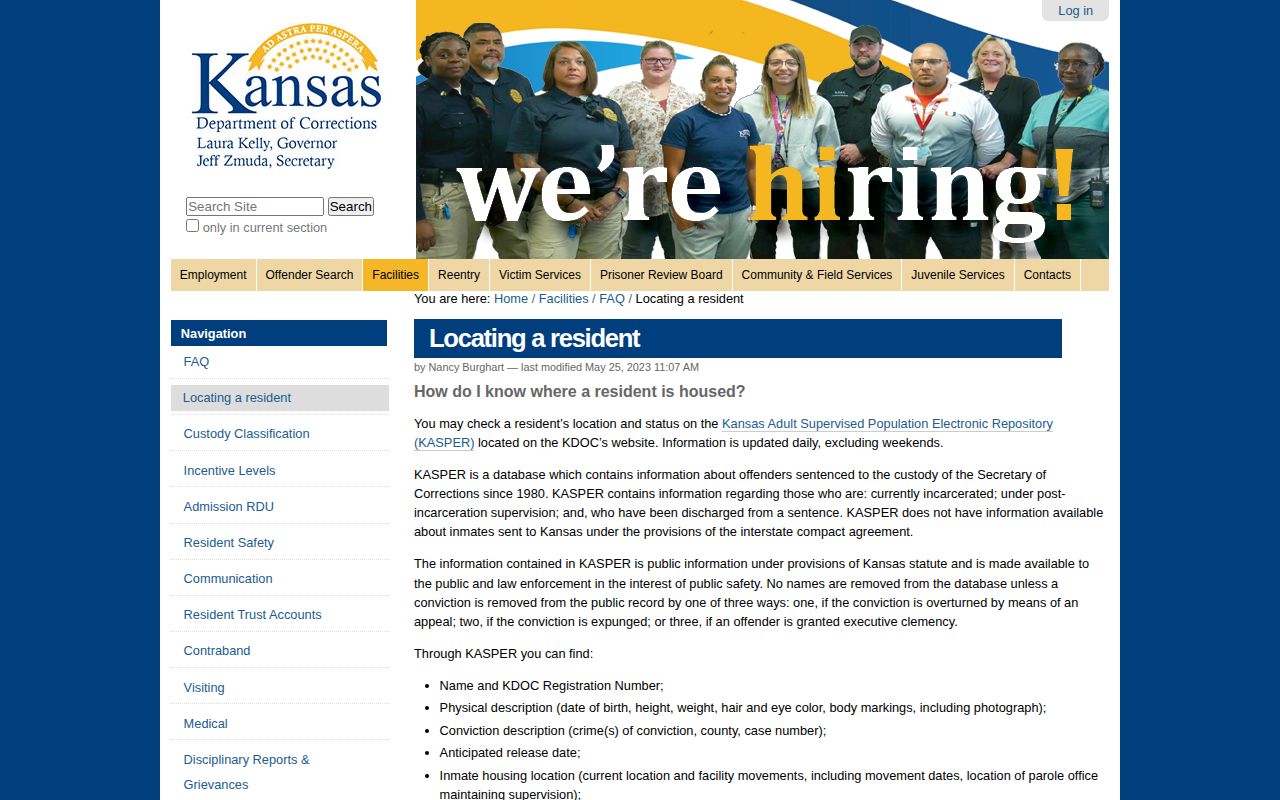
The FAQ states the system's coverage. An individual profile states that person's displayed status. Neither one reads as a full history of every event in Kansas.
KDOC Photo Dates and Updates
KASPER refreshes daily except on weekends. KDOC describes the same cycle as an update each working day. Neither schedule tells you when a photo was taken. Data can shift between your visits. An image may lag behind the housing or status text beside it. The disclaimer singles out community-corrections photos. The date attached is the day the image entered the database. It may not be the actual photo date. Inmate photo dates can be inexact too. Read a photo date as a system field, nothing more. It does not confirm the picture came from arrest, admission, or release. The KASPER disclaimer explains its photo-date caveats and data limits.
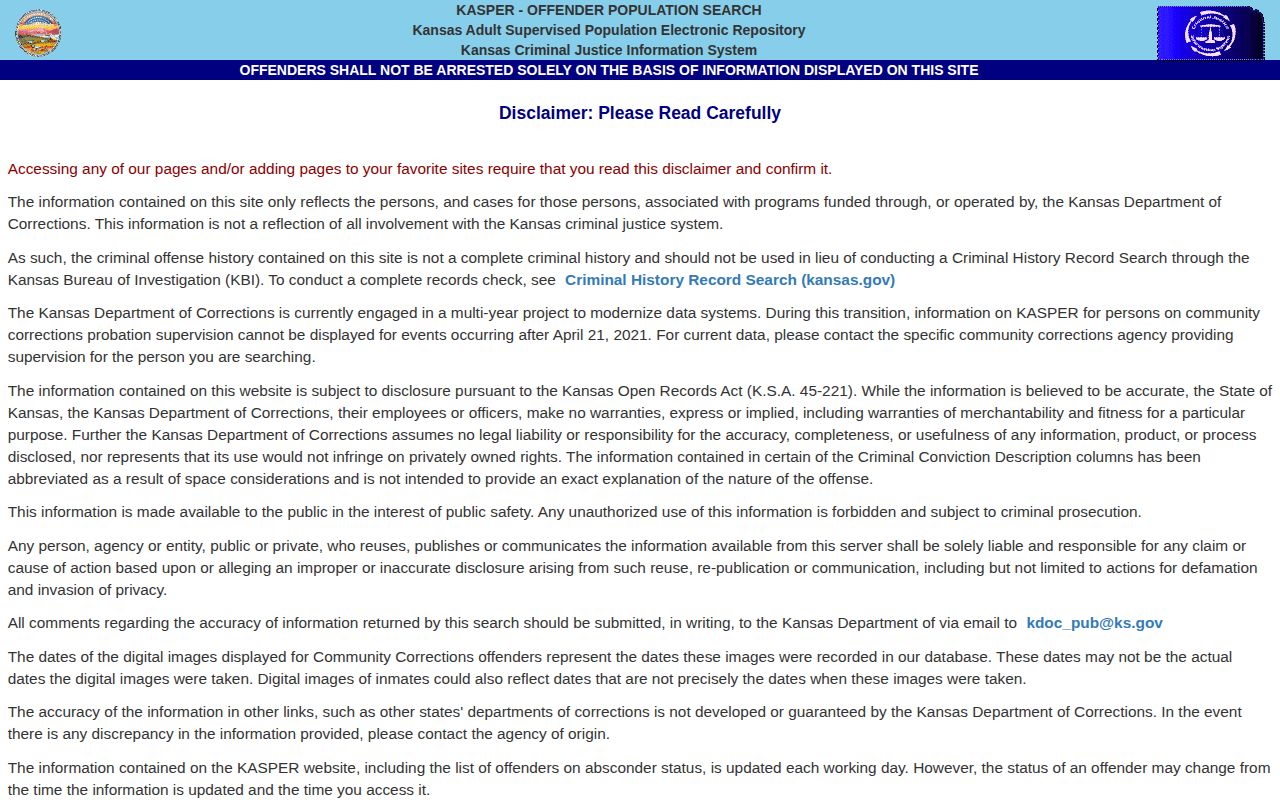
Need a current photo or record? Go through KDOC itself. Ask which image or date field the agency can release, and do not treat a screenshot from some other publisher as the official record.
When Former Residents Remain Visible
Leaving prison does not always mean leaving KASPER. KDOC keeps profiles for people on post-incarceration supervision. It also lists people discharged from a sentence. So the custody or supervision field on display matters more. It carries more weight than the mere presence of a name. A completed sentence or ongoing supervision can keep a former resident listed. KDOC does remove names in certain situations. A conviction overturned by a court qualifies. So does expungement, a court order that limits or removes access to qualifying records. Executive clemency, a separate action by the governor, also counts. Removal is tied to those legal changes, not to any countdown from release. A profile can conflict with a later court order. In that case, compare the case docket and the order first. A county roster or a private copy may follow a different schedule. Keep the KDOC number, the profile date, and the order. Then ask the records custodian which file the order covers. Kansas's Mugshot Access Laws guide explains how expungement affects the original custodian and a republisher differently. A missing KASPER profile does not mean no arrest or state record exists. A listed profile does not settle conviction status either. The KASPER disclaimer says plainly that the system is not a complete criminal history. For a fuller state record, the KBI's public criminal-history request process is the route. It has its own limits. That KBI check is a separate record search. It may return adult convictions, KDOC confinements, certain recent arrests without a disposition, and active diversions. It excludes older arrests without a disposition, completed diversions, expunged records, and juvenile matters. It is not a photo search. It cannot close every gap in KASPER or a county record.
KASPER Absconder Photo Controls
KASPER runs two separate absconder lists. One covers parole absconders; the other covers community-corrections absconders. Both are supervision notices, not a feed of fresh Kansas arrests. On the parole side, a visitor can filter by last known supervision location. The other choice leaves it open to all locations. The controls also include photo and thumbnail options. The listed locations can span counties, Kansas facilities, federal locations, and other states. The parole absconder page shows the location and photo options.
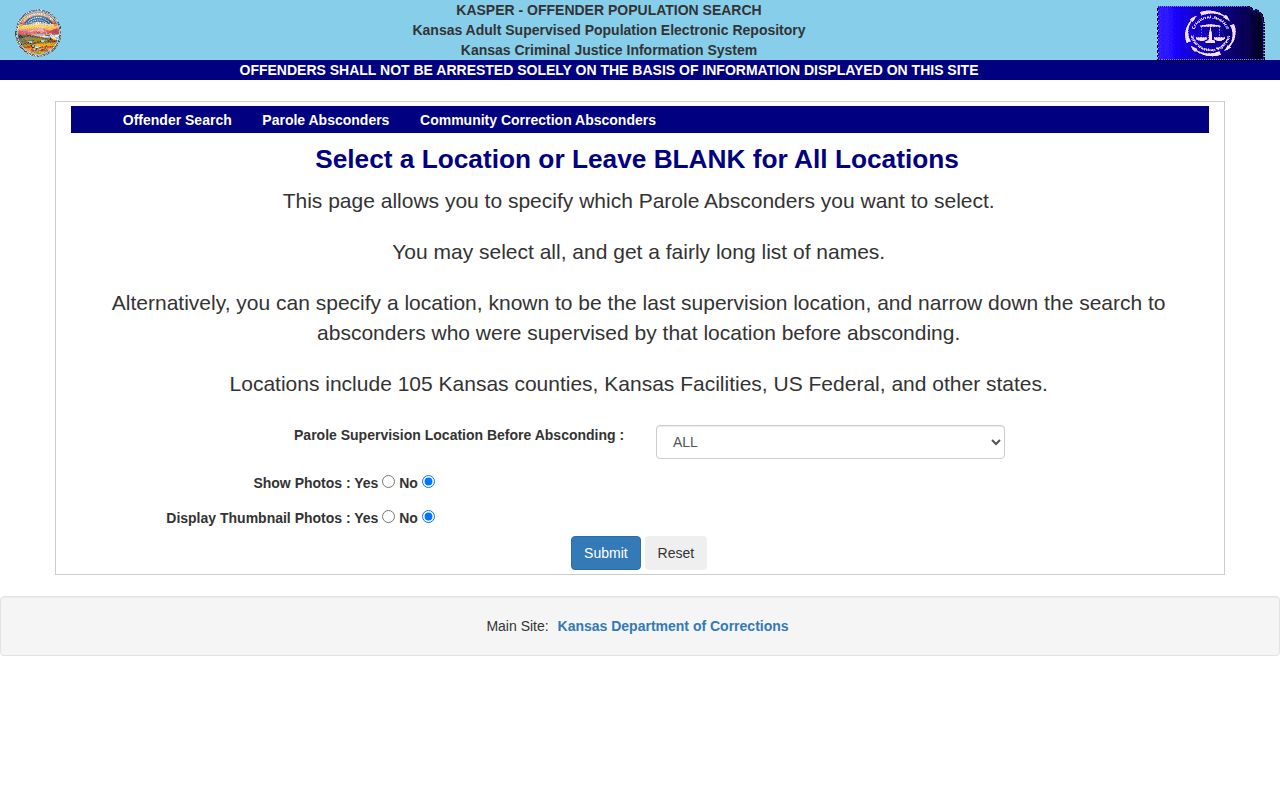
The location filter points to a recorded supervision spot, not a verified address. An entry can change at any time. KDOC warns against making an arrest based only on website information. No one should approach or follow a listed person. Questions about a KDOC notice go to the agency's listed Enforcement Apprehensions and Investigations Unit. For a correctional fugitive notice, use the official community-corrections list or the parole list itself. Check each page's date and disclaimer. Give tips to law enforcement rather than reposting the person's details somewhere else.
KDOC Photos and County Bookings
A KDOC photo and a county booking photo can show the same face at different stages. One does not stand in for the other. The corrections image belongs to a state sentence or supervision file. A county booking photo belongs to an arrest and jail intake record, released only under local policy. County rules vary widely. Not every jail offers a public photo search.
| Record | Custody stage | What the image means | Where to verify |
|---|---|---|---|
| KDOC/KASPER profile | State sentence, incarceration, post-incarceration supervision, or discharge | Corrections identification image; date may be approximate or a database date. | KDOC and KASPER. |
| County booking record | Arrest and local jail intake, whether or not a person is later released | Booking image if the county chooses or is able to publish it. | The arresting or holding county’s sheriff, jail, or records office. |
| Federal custody record | Federal incarceration or a separate federal detention stage | BOP’s public locator does not provide a public mugshot gallery. | BOP or the federal agency that holds the record. |
An arrest does not always lead to state prison. A person may be released or transferred before any sentence, and a county roster can drop the name once custody ends, while the booking record stays with the county under its own rules. If a sentence later places someone in KDOC custody, KASPER becomes the relevant state corrections source. The Kansas County Directory points to local booking sources and explains their differing search methods. The BOP locator is a separate custody check. Its official name and register-number screen does not return public mugshots.
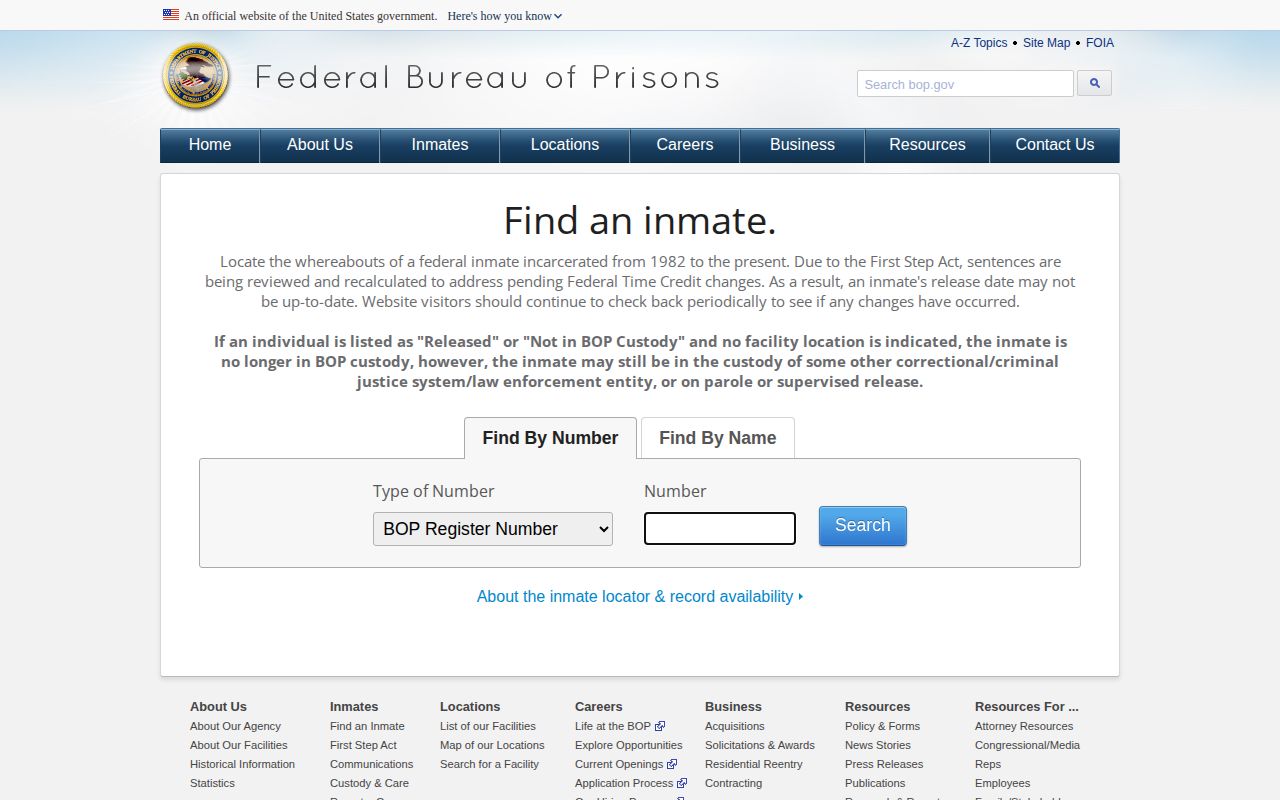
A BOP result proves neither a Kansas state-prison sentence nor a county booking record. Match the source to the custody stage, then confirm the underlying agency record.
Request Kansas KDOC Records
KASPER results show only part of what the agency holds. When a record or image sits outside the search, the Kansas Open Records Act offers a path. A KORA request asks for a record KDOC already has on file. It cannot force staff to create a report, answer a question, or build a statewide mugshot collection.
The KDOC KORA brochure explains how to file. It points to the online public-records request portal and lists a mailing option through the agency's public-records contact. Nancy Burghart, Public Service Administrator, handles these matters; her state email is Nancy.Burghart@ks.gov. Check KDOC's live page for the current contact before mailing anything.
Keep the request tight. Give the person's name, a KDOC number if you have one, an approximate date, and the type of record you want, such as a profile image. Ask for the material in a usable format, and skip items KASPER does not hold. KORA sometimes permits release of a separable piece when part of a record is exempt. Corrections, security, supervision, medical, and criminal-investigation records all carry disclosure limits.
Reasonable actual costs may apply, KDOC says. The office should respond within three business days or explain the delay. That first reply is not a promise of delivery on the same timetable, since locating and reviewing files takes time. Get a cost estimate before approving anything large. Narrow the scope when you already know which record you need.
- Use the online KDOC records portal or verify the current mail contact on the agency site.
- Name an existing record and provide identifying details that help KDOC locate it.
- Ask about costs and response timing, then reply to any request for clarification.
- Review the returned record for its source date, limits, and any redactions before relying on it.